Most disappointing star projectors aren't faulty. They're sitting in the wrong spot. A projector pushed against the wall on a low nightstand, pointed straight up at a textured ceiling in a room with a streetlight outside, will look washed out no matter what it cost. Move it three feet and close the curtains, and the same device can fill the room.
This guide walks through setup in the order that matters, from choosing a surface to hiding the cable. It applies to galaxy, starlight, aurora, and planetarium projectors alike, with notes where they differ.
Key takeaways
- A flat, matte, light-colored surface gives the sharpest, brightest result; white ceilings are ideal.
- Most projectors look best roughly 5 to 10 feet from the surface. Closer is brighter and smaller; farther is bigger and dimmer.
- A low angle stretches the pattern across the ceiling. Placing the projector in a corner covers both walls and ceiling.
- Darkness matters more than brightness settings. Block streetlight and standby LEDs first.
- Focus disc-based projectors every time you move them, and route cables before you finalize placement.
Step 1: Pick the surface
The surface is half the image. Light reflects best off flat, matte, pale surfaces, so a white or off-white ceiling is the best canvas you'll find in most homes.
Ceiling or wall?
Ceilings are the classic choice for bedrooms, because you see them from bed without turning your head. Walls work better in some cases:
- When the ceiling is heavily textured, dark, or has a fan or light fixture in the middle.
- When you want the effect behind a TV, desk, or headboard as accent lighting.
- For planetarium projectors used for learning, where kids sitting up can see a wall more comfortably.
Dealing with texture and color
Popcorn and knockdown ceilings scatter light, so crisp star points look softer. Nebula and aurora effects hide texture well; constellations show it most. Dark or strongly colored paint absorbs light and shifts the colors, so a deep blue ceiling will mute a green or red nebula. If your ceiling fights you, try a light-colored wall instead before deciding the projector is too dim.
Ceiling fans deserve a special mention. A spinning fan casts moving shadows through the pattern, which some people like and many find distracting. Aim the projection to one side of the fan, or switch the fan to its lowest setting.
Step 2: Set the distance
Distance controls the size and brightness of the pattern. As a general rule of thumb, most consumer projectors look best somewhere between about 5 and 10 feet from the surface they're lighting.
| Distance to surface | What you'll see | Good for |
|---|---|---|
| Under about 4 feet | Small, bright, dense pattern | Car roofs, tents, closets, accent spots |
| About 5 to 7 feet | Bright pattern covering much of a small ceiling | Small bedrooms, dorms, nurseries |
| About 7 to 10 feet | Large, even pattern; slightly softer | Standard and larger bedrooms |
| Over about 10 feet | Very large but faint; stars may look sparse | Only very dark rooms with bright projectors |
In a typical bedroom with an 8-foot ceiling, a projector on a nightstand or dresser sits about 5 to 6 feet below the ceiling, which is right in the sweet spot. If your room is large or the ceiling is vaulted, our guide to matching a projector to room size goes into detail.

Step 3: Find the angle
Pointing the projector straight up gives a round, even patch of stars right above it. That's fine if the projector sits in the middle of the room, but it rarely does. Tilting it changes everything.
Low angles spread the pattern
Aim a projector at the ceiling from a low angle, and the pattern stretches into a long oval reaching across the room. Stars nearest the projector stay small and bright; those farther away get larger and fainter. Many people prefer this because it fills more of the ceiling and puts the effect over the bed rather than over the nightstand.
Use the corners
Corner placement is the trick most people miss. Put the projector on a shelf or dresser in a corner and aim it toward the opposite top corner of the room. The pattern wraps across two walls and the ceiling, which feels much more immersive than a patch overhead. It also keeps the projector away from the bed, where it's less likely to be knocked over.
Mind the beam path
Whatever angle you choose, make sure nobody's eyes sit in the beam path when they're lying down or walking past. This matters especially for projectors that use lasers for their star points. Never look directly into the lens. Our eye safety guide explains why.
Tip: Stack a couple of books under the front of the projector to fine-tune the angle. It's quicker than hunting for the perfect shelf, and you can adjust a quarter inch at a time.
Step 4: Darken the room
A projector can only add light, so it's always competing with whatever else is in the room. Turning brightness to maximum helps less than removing the competition.
- Window light: streetlights and neighbors' porch lights wash out stars quickly. Blackout curtains or blinds make the biggest single difference.
- Door gaps: hallway light under the door spreads across the floor and up the walls. A draft stopper fixes it.
- Standby LEDs: chargers, TVs, and power strips add up. Cover them with a small piece of electrical tape or turn them away.
- Screens: a phone at full brightness ruins your night vision for several minutes. Dim it or put it face down.
Give your eyes a few minutes, too. Your vision adapts to the dark gradually, and the sky on your ceiling will look noticeably richer after five minutes than it did the moment you switched off the lamp.
Step 5: Focus and fine-tune
Focus (planetarium and disc projectors)
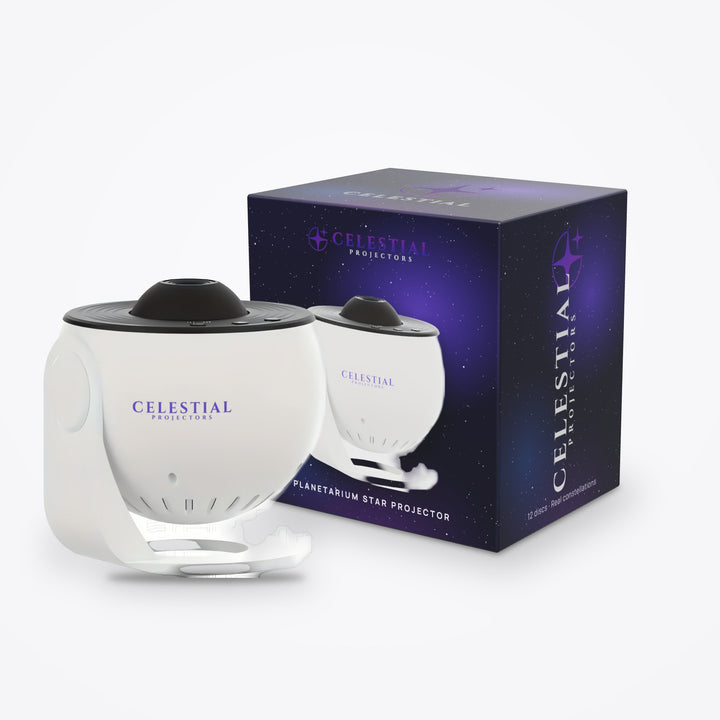
Disc-based projectors, like the Planetarium Star Projector with 12 Discs, have a focus adjustment. Turn it slowly while watching a group of stars until the points are as small and sharp as they'll get. Refocus whenever you move the projector or swap a disc, because the distance to the ceiling changes the focus point. Handle discs by the edges, since fingerprints blur the image.

Brightness, color, and motion
Most galaxy projectors don't need focusing, but they reward a few minutes of tuning:
- Start at medium brightness. Full brightness often flattens the nebula into a single glow.
- Pick one or two colors rather than a cycling mode for bedtime. Cycling modes are better for parties.
- Slow the rotation down. A slow drift is calming; a fast spin can feel busy, and some people find it makes them a little dizzy.
- Set the timer before you get into bed. Many models offer auto-off, so you're not reaching for the remote half-asleep.
Step 6: Tidy the cables
A trailing cable is the most common reason a carefully placed projector ends up moved. It gets snagged, the projector tips, and the setup starts over. Sort the cable before you settle on a final spot.
- Run the cable along the back edge of the furniture and secure it with adhesive cable clips.
- Use a cable that's long enough to reach without tension, but coil and tie any excess behind the furniture.
- For USB models, a wall charger plugged in behind the dresser keeps the cable short. A power bank works for temporary setups.
- In kids' rooms and nurseries, keep cords well out of reach and away from beds. Our nursery setup guide covers cord safety in detail.
If you're torn between plugging in and going cordless, read our comparison of battery vs plug-in galaxy projectors.
Placement ideas by room
The steps above apply everywhere, but each room has its own sweet spot.
- Adult bedroom: a dresser opposite the bed, aimed up and slightly back toward the headboard wall, puts the densest part of the sky over your pillow.
- Kids' room: a high shelf in a corner keeps the projector out of reach and wraps stars over two walls. A slow rotating mode suits winding down.
- Living room: aim at the wall behind the TV or sofa for accent lighting during a movie, rather than at the ceiling.
- Small spaces: in a dorm or box room, keep the projector closer to the surface and lower the brightness. Our small-space setup ideas have more.
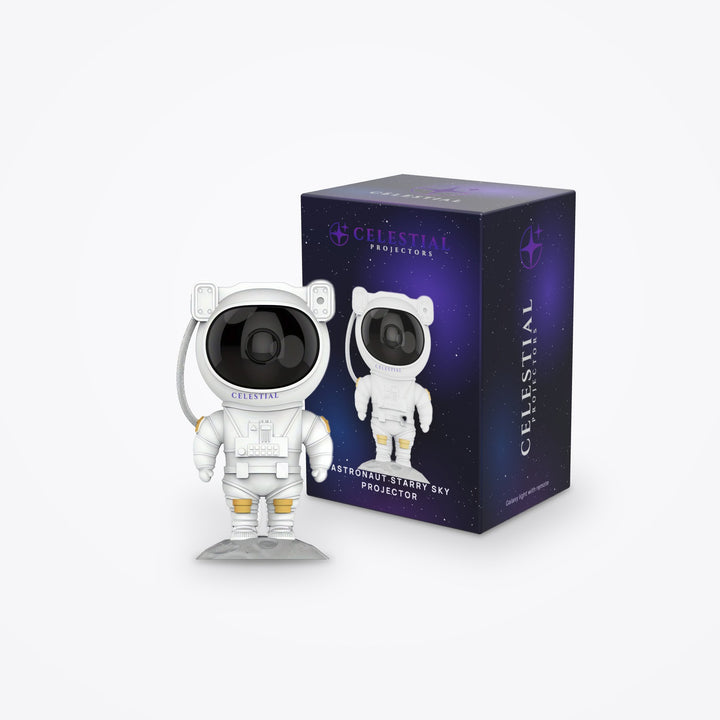
Character projectors need one extra thought. Astronaut projectors, such as the standing Astronaut Starry Sky Projector, project from the helmet visor, so where the spaceman faces determines where the sky lands. Place him first for looks, then check that the beam clears furniture and the bed. Our astronaut projector guide covers the differences between models.

Troubleshooting a weak effect
If the result still disappoints, work through the likely causes before assuming a fault.
| Problem | Likely cause | Try this |
|---|---|---|
| Pattern looks faint | Room not dark enough, or projector too far away | Block window light; move the projector closer |
| Stars look blurry | Out of focus or textured surface | Refocus; try a flat wall; clean the lens |
| Pattern only covers a small patch | Pointed straight up from close range | Lower the angle or move it farther away |
| Colors look wrong | Colored paint or warm room lighting | Project on a white surface in full darkness |
| Dark gap or shadow | Fan, fixture, or furniture in the beam | Aim around it or raise the projector |
For dust and lens care, see our maintenance guide. If the projector won't power on or the laser has stopped, our troubleshooting guide covers common fixes. Still shopping? Browse galaxy projectors or planetarium projectors, or see our picks for the best star projectors for bedroom ceilings.
FAQ
Where is the best place to put a star projector?
On a stable surface roughly 5 to 10 feet from the ceiling or wall you're lighting, angled so the pattern spreads over the bed. A corner shelf or dresser often works better than a nightstand because the pattern can wrap across walls and ceiling.
Should I project onto the ceiling or the wall?
Ceilings are best for viewing from bed. Walls work better if your ceiling is very textured, dark, or interrupted by a fan, or if you want accent lighting behind a desk, TV, or headboard.
Why does my star projector look dim?
Usually the room isn't dark enough or the projector is too far from the surface. Block outside light, cover standby LEDs, move the projector a little closer, and give your eyes a few minutes to adjust before judging the effect.
Can I put a star projector on the floor?
You can, and it gives a dramatic low-angle spread. Just make sure it can't be stepped on or kicked, and keep the cable out of walkways. A low shelf is usually a safer choice.
Do I need to focus a galaxy projector?
Most galaxy projectors don't have a focus control, because the nebula is meant to look soft. Disc-based planetarium projectors do, and they should be refocused whenever you move them or change discs.